Bartleby.
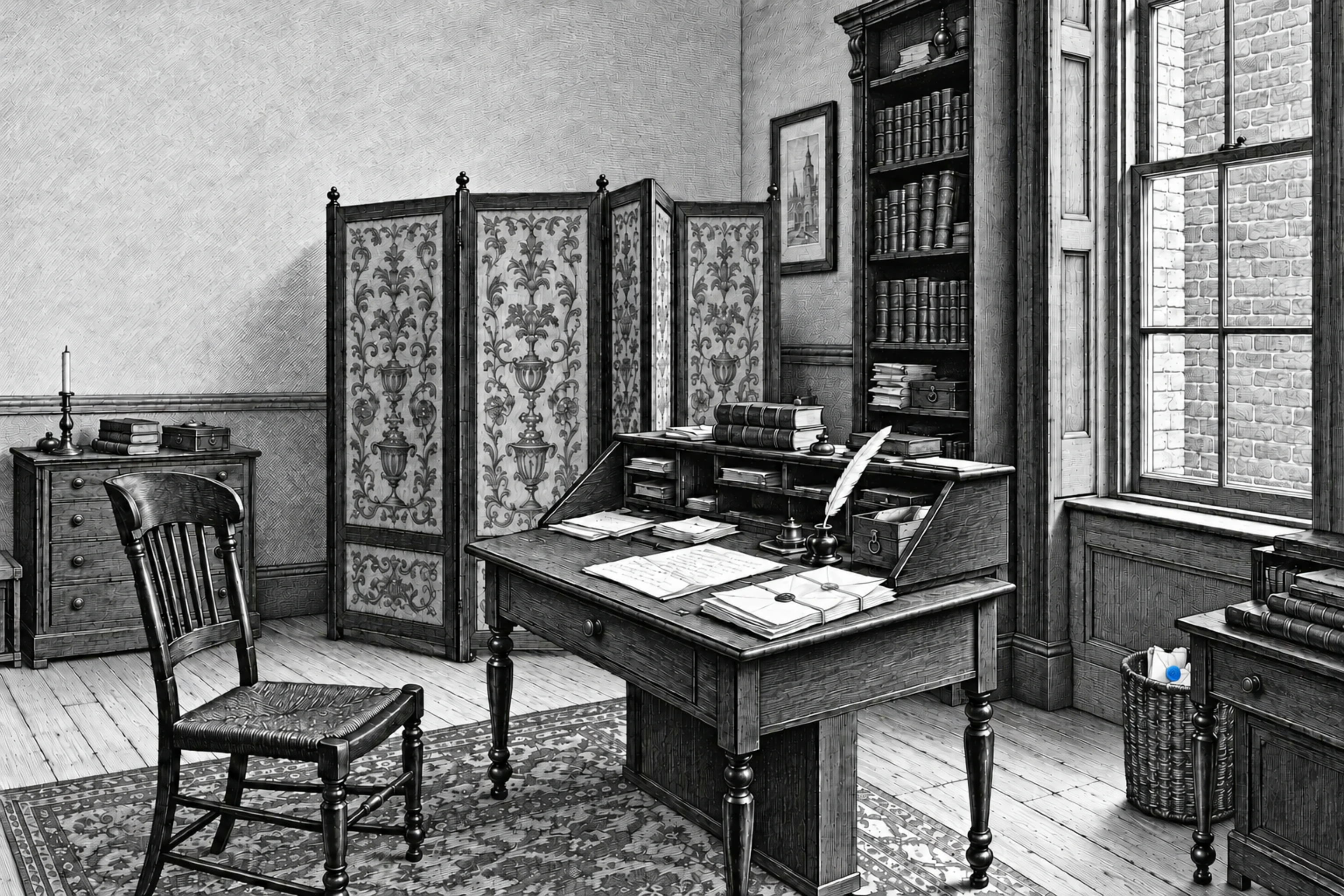
Plate I / A study in four parts
A fast, keyboard-first
iMessage inbox for Mac.
A little order.
A little quiet.
Archive, snooze, pin, undo, send later.
Your whole Messages history on first launch. Sync between your Macs.
“I would prefer not to.”Herman Melville, 1853
The copyist’s office
Engraving by [TK]
Bartleby helps you stay responsive and connected to your community without it ruining your life.
Join the waitlistPlate I / The copyist’s office
Notes.
Why Bartleby asks for Full Disk Access
Full Disk Access is how macOS lets Bartleby read your Messages history. It reads it on your Mac, read-only, and never writes to it.
Every request Bartleby makes, listed
In the app, Help → What Has Bartleby Sent? lists every request: an update check with its version; a daily usage ping with app version, macOS version and a random ID; bug reports only when you press Send; and link previews for links in your messages.
Keyboard triage, from E to Z
E archives. Z undoes. Archive, snooze, pin and send later all work from the keyboard.